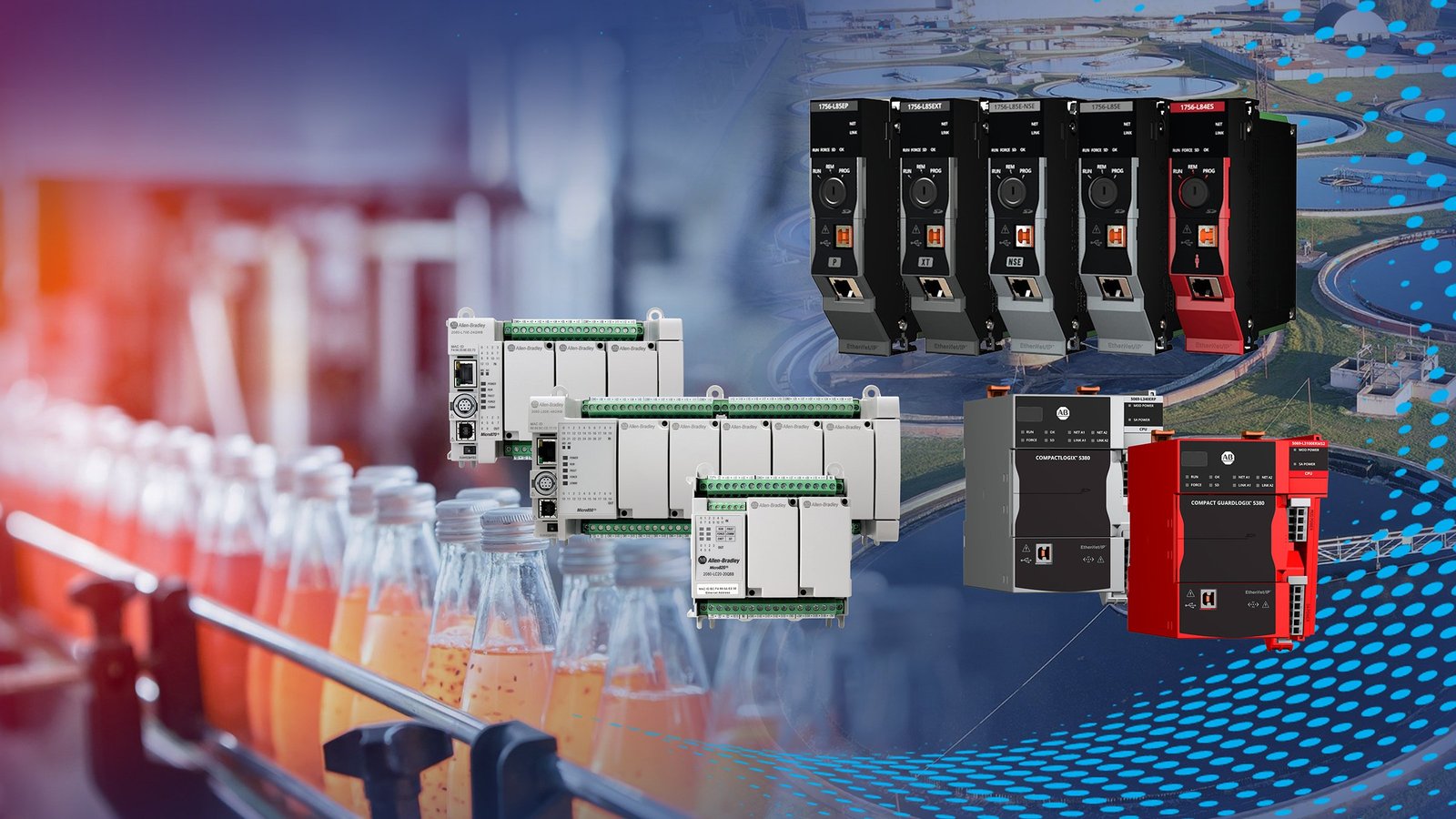
Start with the product nameplate. Record the complete CAT number exactly as printed, then capture the SER, hardware revision and firmware revision. Add clear photos of the label, front panel and installed chassis.
1. Where to find the catalog number
Most Allen-Bradley controllers and modules carry a side or rear nameplate. In a populated chassis, the label may be hidden until the module is safely removed by qualified personnel. Never remove energized equipment solely to read a label.
- CAT: the complete catalog number, including every suffix.
- SER: the hardware series, commonly shown as a letter.
- REV: the hardware or firmware revision.
- FW: firmware version, when separately listed.
2. How to read the identifier
A catalog number identifies the product family and its configuration. For example, a controller identifier such as 1756-L81E describes a ControlLogix platform component and its specific controller model. Additional suffixes can indicate coating, temperature, certification or packaged options.
3. Details that affect compatibility
Confirm the installed chassis, backplane and controller family.
Engineering standards or validated systems may require an exact revision.
Check the current project software and supported firmware range.
Confirm Ethernet, ControlNet, DeviceNet or other network requirements.
4. Photos that speed up identification
Provide one close photo of the full nameplate, one of the front indicators and terminals, and one showing the module in its chassis or cabinet. The images should be sharp enough to read small text.
5. Common mistakes to avoid
- Submitting only the family name, such as “ControlLogix,” without a catalog number.
- Omitting characters after a dash or slash.
- Assuming two modules are interchangeable because the front panels look similar.
- Using a number copied from a drawing without checking the installed nameplate.
- Replacing hardware before confirming firmware and application compatibility.
Send the exact part number and photos
We can review current and discontinued sourcing options for your requirement.